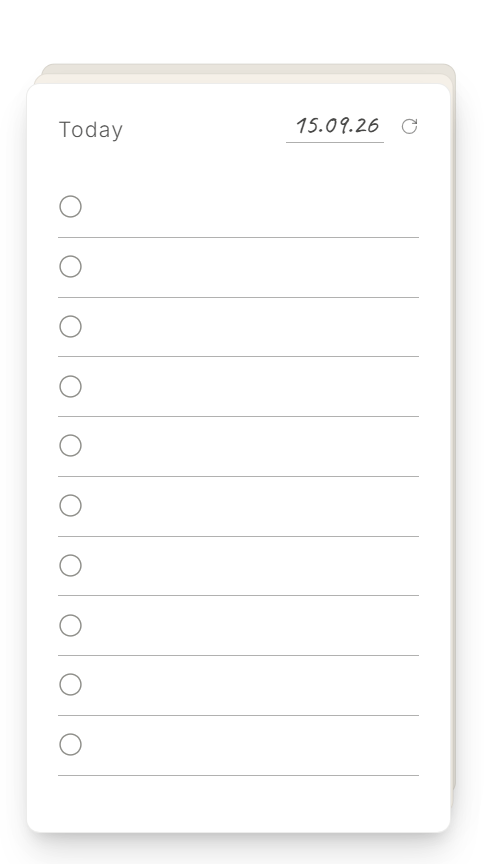
Capture without ceremony
Write directly on the card the moment something crosses your mind.
 DodoDeck
Pricing & download
DodoDeck
Pricing & download
New DodoDeck for Windows
Three tactile cards for Today, Tomorrow, and Next—always on your desktop, never buried in another app.
Scroll to enter the desktop
What DodoDeck does
Write directly on the card the moment something crosses your mind.
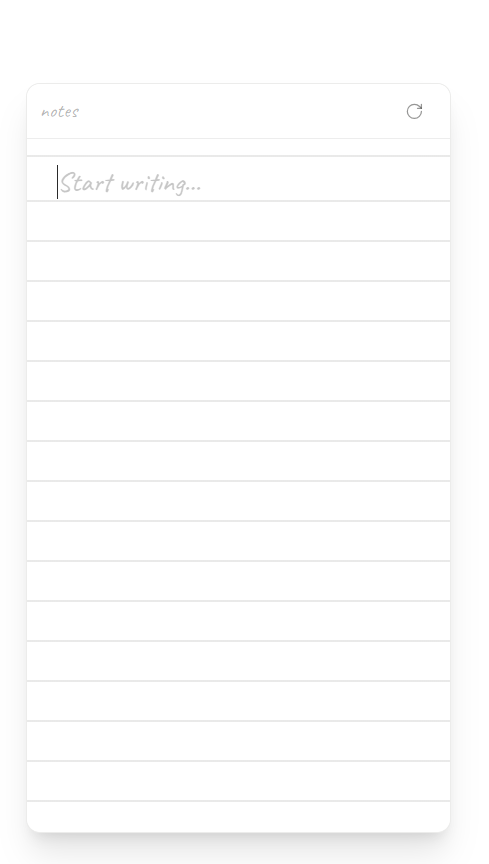
Flip any card for a clean page made for rough notes and ideas.
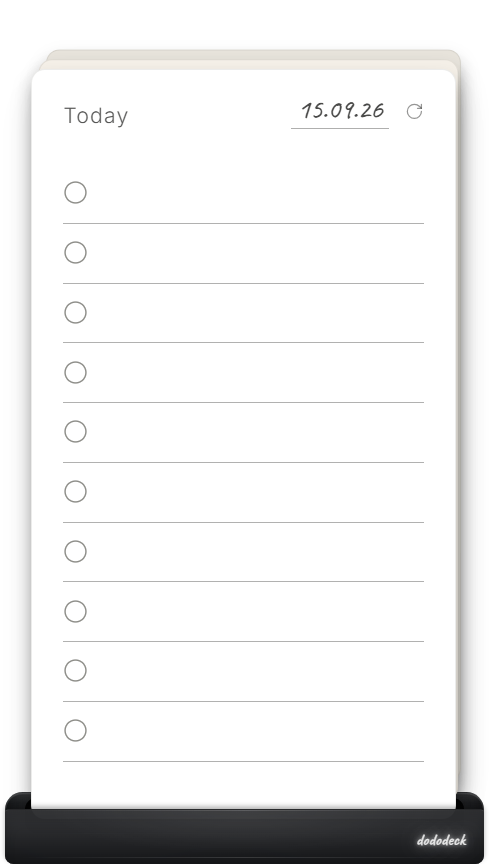
Dock the deck above your taskbar and bring it back whenever you need it.
Pricing & download
The full DodoDeck experience is free to try for 14 days. After that, a one-time $5 purchase keeps your cards editable. No subscription or account.
Download for WindowsDownload link coming soon.
For Windows 10/11, 64-bit. macOS is not available.
All three cards, Rough Pages, and Card, Focus, and Media Docks for 14 days. Share cards as images or export and import .dododeck files.
After the trial, your cards, notes, and archive remain available to read until you activate a license.
$5 once, for up to three of your own devices. Dodo Payments emails your license key after checkout.
Good to know
DodoDeck becomes read-only. You can still see your cards, Rough Pages, and archive; nothing is deleted. Enter a purchased license key to edit again.
No. The full version is a $5 one-time purchase, with no recurring charge.
No DodoDeck account is needed. Dodo Payments handles checkout and emails your license key.
Your cards, notes, attachments, and archive stay locally on your Windows device. DodoDeck does not sync them to a cloud service. See the Privacy Policy.
The app works offline for your cards and notes. An internet connection is needed for purchase and license activation or verification.
DodoDeck runs on 64-bit Windows 10 and 11. A macOS version is not available.
A license is for up to three of your own Windows devices. It is not for sharing or resale.
Install DodoDeck there, choose “Already purchased? Enter license key”, and enter the key emailed after checkout. Activation needs an internet connection. If you reach the device limit, contact support.
DodoDeck purchases are final. We do not offer voluntary refunds, except where required by applicable law. See the Refund Policy for details.